Scalability
How it works
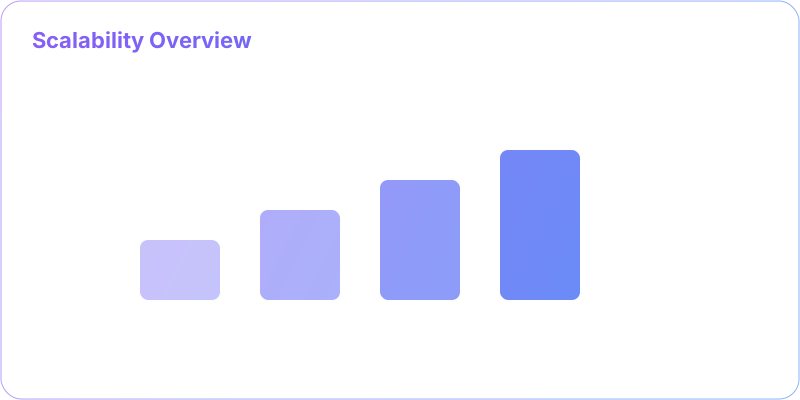
- Profile and find bottlenecks
- Choose scale up/out strategy
- Introduce queues/replicas
- Autoscale and observe p95/p99
🎯 What is Scalability?
Scalability is your system's superpower to grow gracefully under increased demand. Think of it like expanding a restaurant - you can either get a bigger kitchen (vertical scaling) or open more locations (horizontal scaling). The key is maintaining performance and user experience as your user base grows from hundreds to millions.User Growth
From 1K to 1M users
Response Time
Maintain < 200ms
Throughput
Handle 10x traffic
Cost Efficiency
Linear cost growth
Overview
- Ability to maintain SLOs as load grows by adding resources cost‑effectively.
- Two levers: scale up (bigger boxes) and scale out (more boxes).
- Real scalability is measured at p95/p99 latency and error rate, not just averages.
When to use
- Traffic is trending upward or shows daily/weekly peaks.
- A single node approaches CPU, memory, IO, or connection limits.
- You need blast radius reduction, faster deploys, and resilience via replication.
Trade-offs
- Vertical scaling is simple but hits ceilings and increases blast radius.
- Horizontal scaling requires statelessness, distributed data, and orchestration.
- More nodes → more coordination: consistency, retries, partial failures.
Patterns
- Stateless services with externalized session/state.
- Read replicas, sharding, and write partitioning.
- Async processing with queues; backpressure and rate limiting.
- Autoscaling: target tracking on CPU/RPS/queue depth; warm-up tasks.
Anti-patterns
- Scaling before profiling: optimize the 1–2 real bottlenecks first.
- Overusing caches to mask slow queries instead of fixing indexes.
- Unbounded concurrency that saturates DB connection pools.
- No backpressure: producers overwhelm downstream services.
📐 Quick Diagrams
  # Backpressure & queue leveling
  Clients ▶ API ▶ Queue ▶ Workers ▶ DB
       ▲  │depth
       └──┴─ autoscale workers
  # Read heavy with replicas
  API ▶ LB ▶ App ▶ (Write Primary)
        └▶ Read Replicas
🧪 Ops Checklist
- Track p95/p99 latency, saturation (CPU, memory, IO), error rates, and queue depth.
- Connection pool sizing and timeouts across tiers; use circuit breakers.
- Capacity model: peak traffic × headroom; test with load/stress tools.
- Canary and staged rollouts; set autoscaling cool-down to avoid thrash.
❓ Interview Q&A (concise)
- Q: Scale up vs out? A: Up = bigger server; Out = more servers. Out improves fault tolerance but adds coordination.
- Q: How to scale stateful services? A: Externalize state, shard by key, or use a consensus/persistence layer.
- Q: Prevent DB saturation? A: Caching, read replicas, pagination, batching, and bounded pools.
- Q: Handle sudden spikes? A: Queue buffering, rate limiting, shed load, and pre-warmed autoscale.
🏗️ Types of Scaling
⬆️ Vertical Scaling (Scale Up)
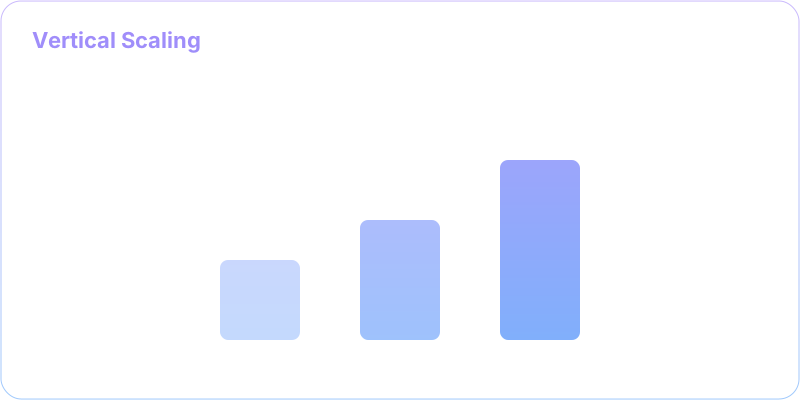
Add more power to existing machines
✅ Advantages
- Simple to implement
- No code changes required
- Maintains data consistency
- No network complexity
- Familiar architecture
❌ Disadvantages
- Hardware limits (ceiling effect)
- Single point of failure
- Expensive high-end hardware
- Downtime during upgrades
- Diminishing returns
🎯 Best For
- Legacy applications
- Database servers
- Quick performance fixes
- Small to medium workloads
➡️ Horizontal Scaling (Scale Out)

Add more machines to the resource pool
✅ Advantages
- No hardware limits
- Fault tolerance
- Cost-effective commodity hardware
- Handles massive scale
- Linear scaling potential
❌ Disadvantages
- Complex architecture
- Requires code changes
- Data consistency challenges
- Network latency issues
- Operational complexity
🎯 Best For
- Web applications
- Microservices
- Cloud-native apps
- High-traffic systems
🛠️ Scaling Strategies
Proven Strategies for Scaling Systems
Implement these patterns to achieve horizontal scalability
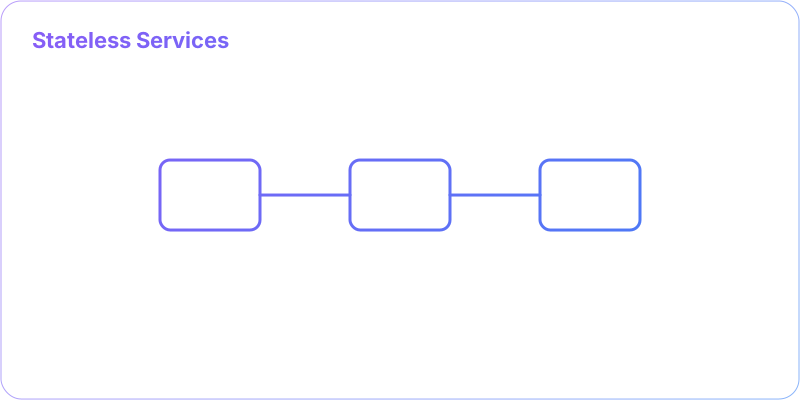
Stateless Services
Remove server-side session state to enable load balancing
Implementation Techniques
- Store sessions in external stores (Redis, Memcached)
- Use JWT tokens for authentication
- Pass state through request parameters
- Database or cache for user context
Benefits
- Any server can handle any request
- Easy horizontal scaling
- Better fault tolerance
- Simplified load balancing
Before (Stateful)
// Server stores user session
app.get('/profile', (req, res) => {
  const user = req.session.user; // ❌ Server state
  res.json(user);
});
After (Stateless)
// JWT token contains user info
app.get('/profile', authenticateToken, (req, res) => {
  const user = req.user; // ✅ From JWT token
  res.json(user);
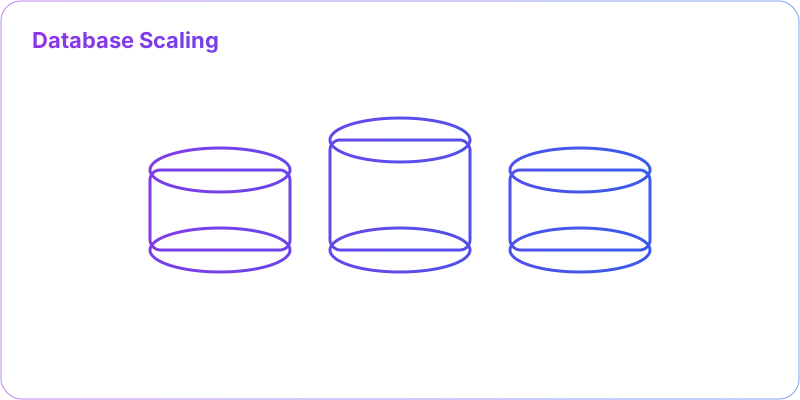
});Database Scaling
Handle data layer bottlenecks through various techniques
Read Scaling Techniques
- Read Replicas: Multiple read-only database copies
- Read/Write Split: Route reads to replicas, writes to master
- Geographic Replicas: Replicas in different regions
Write Scaling Techniques
- Sharding: Horizontal partitioning of data
- Federation: Split databases by function
- Write Queues: Asynchronous write processing
Connection Optimization
- Connection Pooling: Reuse database connections
- Query Optimization: Efficient indexes and queries
- Batch Operations: Group multiple operations
Caching Strategy
Reduce database load dramatically with smart caching
Cache Layers
- Browser Cache: Client-side caching
- CDN: Geographic content distribution
- Application Cache: In-memory caching (Redis)
- Database Cache: Query result caching
Cache Patterns
- Cache-Aside: Application manages cache
- Write-Through: Write to cache and DB
- Write-Behind: Async write to DB
- Read-Through: Cache loads data automatically
Performance Impact
Load Balancing
Distribute traffic intelligently across servers
Load Balancing Algorithms
- Round Robin: Sequential distribution
- Least Connections: Route to least busy server
- Weighted: Based on server capacity
- Geographic: Based on user location
Health Monitoring
- Health Checks: Regular server health monitoring
- Auto-scaling: Add/remove servers based on load
- Circuit Breakers: Prevent overload
Session Management
- Sticky Sessions: Route user to same server
- Session Sharing: External session storage
- Stateless Design: No session dependency
📊 When to Scale?
🎯 Key Metrics to Monitor
Know when to scale before performance degrades
CPU Usage
Sustained high CPU indicates compute bottleneck
Memory Usage
Memory pressure can cause performance degradation
Response Time
User experience degrades with slow responses
Throughput
Monitor request volume and capacity limits
🏗️ Advanced Scalability Patterns
🔄 Auto Scaling
Automatically adjust capacity based on demand
Scaling Policies
- Target Tracking: Maintain specific metric (CPU at 70%)
- Step Scaling: Add capacity in steps based on alarm
- Scheduled Scaling: Scale based on known patterns
🌍 Geographic Distribution
Place resources closer to users globally
Distribution Strategies
- Multi-Region: Deploy in multiple geographic regions
- Edge Computing: Process data closer to users
- DNS Routing: Route users to nearest data center
📊 Microservices Scaling
Scale individual components independently
Service-Specific Scaling
- Independent Scaling: Scale services based on demand
- Resource Optimization: Right-size each service
- Technology Choice: Use best tool for each service
💰 Cost vs. Performance Trade-offs
Balancing Cost and Performance
Make informed decisions about scaling investments