Builder Pattern
How it works
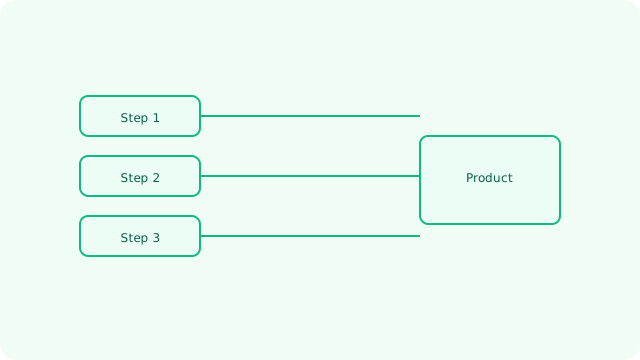
- Input arrives
- Core component processes
- Result produced
- Observe and iterate
Overview
Use when constructing objects requires multiple steps or optional parts.Learning Objectives
🎯 Complex Object Construction
Master the technique of building complex objects step-by-step with clear separation of construction logic
🔧 Fluent Interface Design
Learn to implement method chaining and fluent APIs for intuitive object configuration
⚡ Immutability & Validation
Understand how builders enable immutable objects and centralized validation of complex state
Real-World Examples
🏠 Configuration Management
AWS CloudFormation uses builder patterns for infrastructure configuration, allowing step-by-step resource definition with validation
📧 Email Campaign Builder
Mailchimp's campaign builder constructs complex email templates with audience targeting, scheduling, and A/B testing configuration
🔍 Search Query Construction
Elasticsearch Query DSL uses builders to construct complex search queries with filters, aggregations, and sorting
🎨 UI Component Assembly
React Native's StyleSheet and component builders allow flexible styling and layout configuration
How it works
- Define a Builder interface
- Implement ConcreteBuilder with chained setters
- Use Director (optional) to orchestrate steps
- Call build() to produce the final object
Code example
Building an immutable HttpRequest step-by-step with a fluent builder:class HttpRequest {
method: string; url: string; headers: Record<string, string>; body?: string;
constructor(init: { method: string; url: string; headers: Record<string, string>; body?: string }) {
this.method = init.method; this.url = init.url; this.headers = init.headers; this.body = init.body;
}
}
class HttpRequestBuilder {
private methodValue = 'GET';
private urlValue = '/';
private headersValue: Record<string, string> = {};
private bodyValue?: string;
method(v: string) { this.methodValue = v; return this }
url(v: string) { this.urlValue = v; return this }
header(k: string, v: string) { this.headersValue[k] = v; return this }
body(v: string) { this.bodyValue = v; return this }
build(): HttpRequest {
return new HttpRequest({ method: this.methodValue, url: this.urlValue, headers: this.headersValue, body: this.bodyValue })
}
}
var req = new HttpRequestBuilder().method('POST').url('/users').header('Content-Type', 'application/json').body('{"name":"Ana"}').build();
Implementation Notes
- Implement method chaining by returning 'this' from each setter method
- Use private fields to enforce construction through the builder only
- Validate object state in the build() method before creating the final object
- Consider using TypeScript's template literal types for compile-time validation
- Provide reasonable defaults for optional parameters to reduce required calls
Best Practices
- Make the final object immutable to prevent modification after construction
- Use descriptive method names that clearly indicate what each step configures
- Implement comprehensive validation in build() method with clear error messages
- Consider providing multiple build variants for different use cases
- Document required vs optional parameters and their interdependencies
Common Pitfalls
- Creating builders for simple objects where constructors would be more appropriate
- Forgetting to validate required fields or conflicting configurations in build()
- Making builders mutable which can lead to unexpected state changes
- Over-engineering with unnecessary director classes for straightforward construction
- Not providing clear documentation about the order dependencies of builder calls