UML Basics
How it works
- Input arrives
- Core component processes
- Result produced
- Observe and iterate
Learning Objectives
By the end of this topic, you will understand:
- Create class diagrams showing relationships, associations, and dependencies
- Design sequence diagrams to model object interactions over time
- Use activity diagrams to represent workflows and business processes
- Apply proper UML notation and stereotypes for clear communication
- Translate UML diagrams into working code implementations
Real-World Examples
Enterprise Software: UML used extensively in banking systems, ERP, and large-scale enterprise applications
API Design: Sequence diagrams document REST API interactions and microservice communication
Game Development: Class diagrams model game entities, components, and inheritance hierarchies
Agile Documentation: Lightweight UML diagrams complement user stories and acceptance criteria
Overview
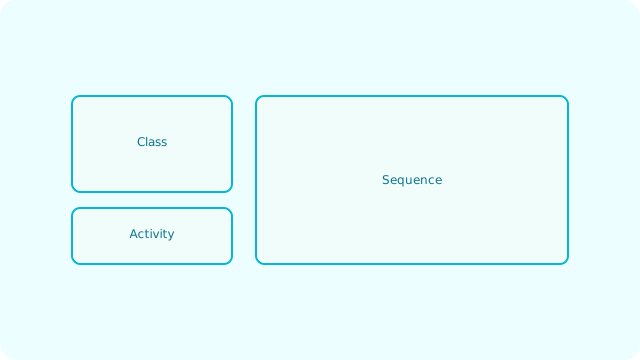
UML provides standardized diagrams to represent structure and behavior.- Class: Types, relationships, multiplicities
- Sequence: Object interactions over time
- Activity: Workflow and branching logic
Code example
Mapping a simple class diagram to code showing association between Customer and Order:class Order {
constructor(public id: string, public total: number) {}
}
class Customer {
constructor(public id: string, public orders: Order[] = []) {}
addOrder(order: Order): void { this.orders.push(order) }
}
// Sequence (simplified): create customer, add order, compute total
var c = new Customer('C-1');
var o = new Order('O-1', 49.99);
c.addOrder(o);
var sum = c.orders.reduce(function (acc, it) { return acc + it.total; }, 0);
Implementation Notes
- Use tools like PlantUML, Lucidchart, or Draw.io for diagram creation
- Keep diagrams focused on specific aspects rather than showing everything
- Use consistent naming conventions that match your code
- Include multiplicities and role names for clarity in associations
- Generate code from UML models when using model-driven development
Best Practices
- Create diagrams for communication, not documentation for its own sake
- Keep diagrams simple and focused on the audience's needs
- Use standard UML notation to ensure universal understanding
- Update diagrams when significant architectural changes occur
- Combine different diagram types to tell a complete story
Common Pitfalls
- Over-documenting with overly complex diagrams that become maintenance burden
- Using non-standard notation that confuses team members
- Creating diagrams that don't match the actual implementation
- Focusing on tool features rather than clear communication
- Not considering the audience when choosing diagram complexity level